Problem
Constantly switching apps to translate Korean is time-consuming and makes learning words less efficient due to context switching.
Solution
A screen recording app that displays real-time Korean to English translations on the Dynamic Island and allows users to save sentences for learning.
System Constraints
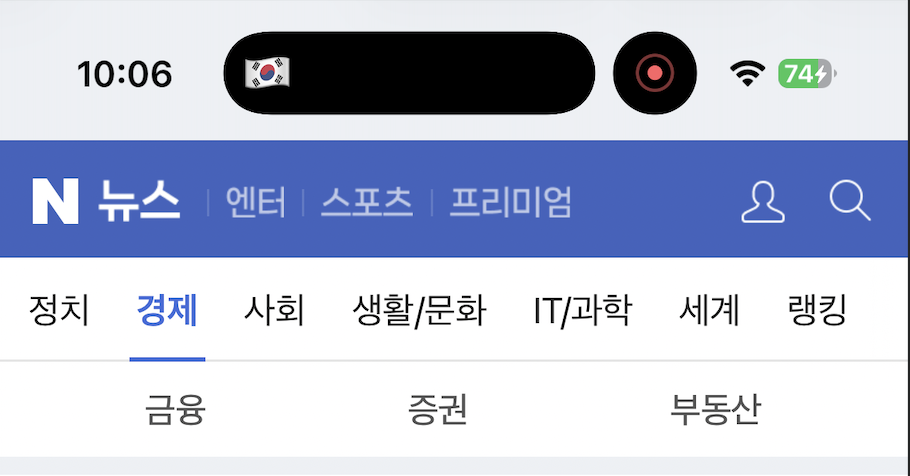
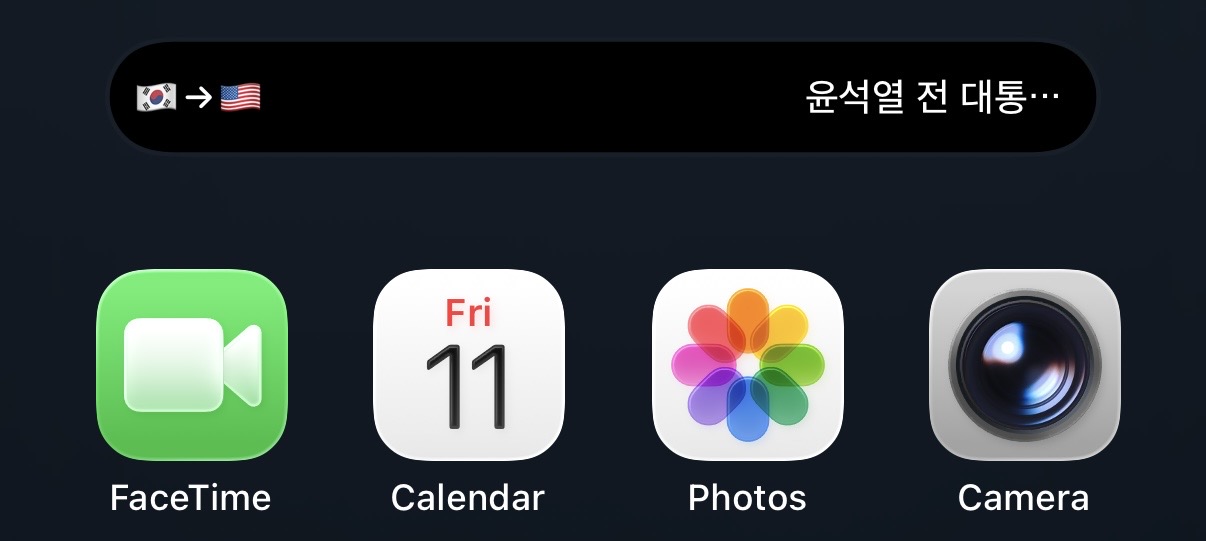
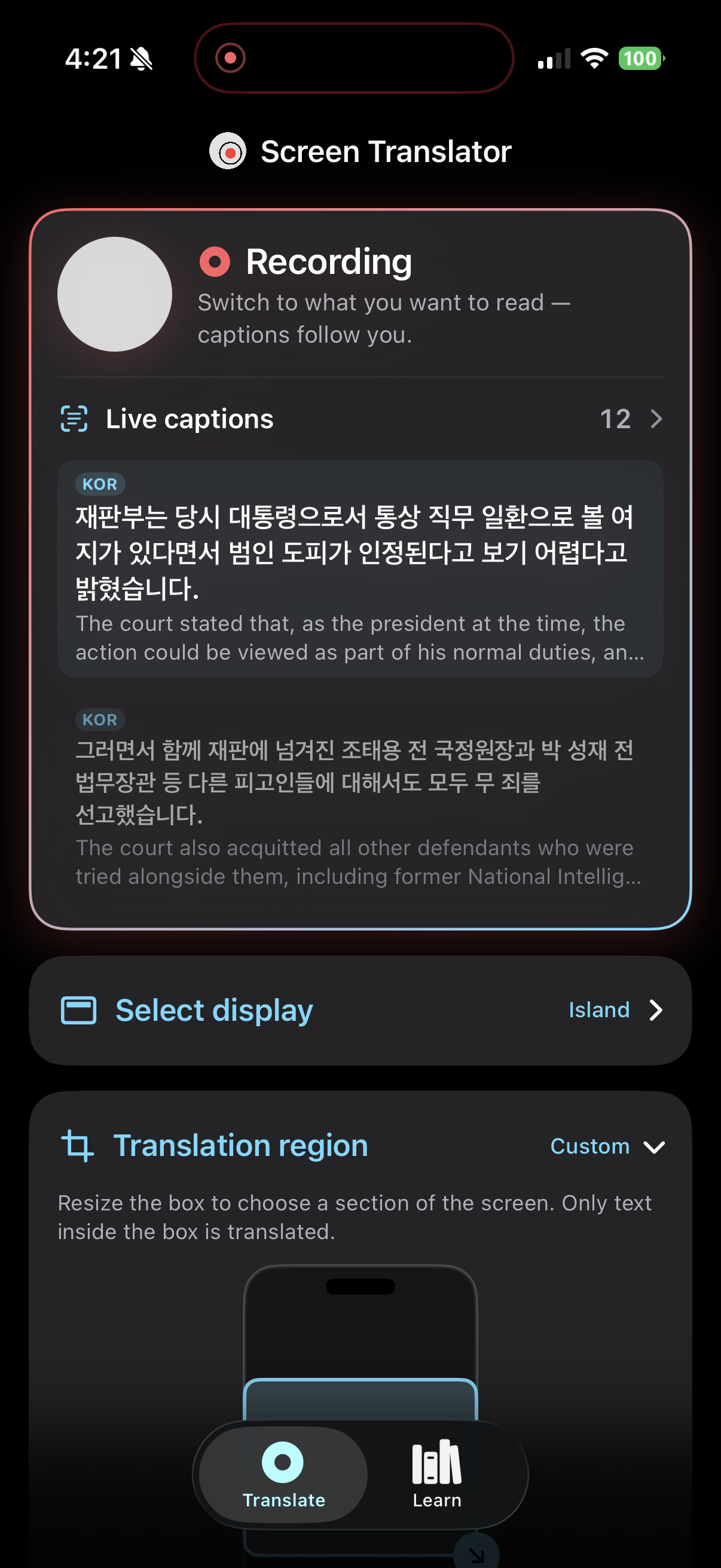
My first idea was to generate text over the current display, but iOS does not allow an app to draw over another app. To get around this, I used ReplayKit to broadcast video frames, Apple Vision OCR to extract Korean text, the DeepL API for translations, and ActivityKit to update the island. I chose the Dynamic Island to display translations since it stays visible in every app.
Because iOS controls how and when the Dynamic Island is displayed, I designed for states I couldn't choose and updates I couldn't guarantee.
The island has three states: minimal, compact, and expanded. iOS treats Live Activities as occasional status updates rather than a live display, so I could not keep the expanded state on screen, and the user has to long press the island to see the translation. I also had to design UI elements around the front-facing camera in the top-center area of the screen.
Translation Models
I used DeepL for sentence translations and Claude Opus 5 for word definitions. DeepL was excellent for full sentences, but unreliable for individual words. Opus 5 was more accurate for words because it could define each word as it's used in the context of the sentence.
I benchmarked Opus 5 against DeepL on sentence translations. Opus 5 had a median latency of 2.07 seconds vs. 0.73 seconds for DeepL, and was about 5x more expensive ($0.0031 vs. $0.0006 per sentence).
Translation Region
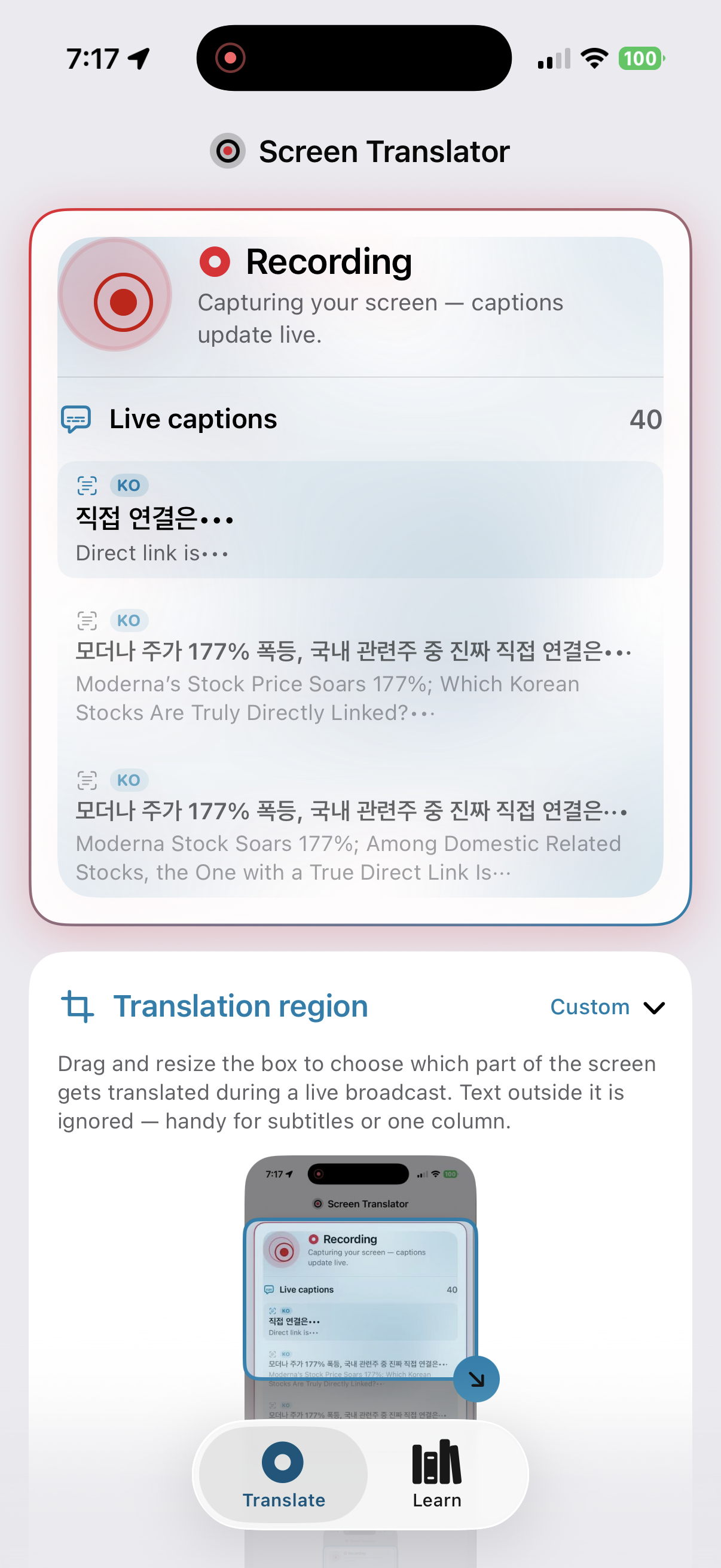
Translating the entire screen was impractical because of the limited space to display the text. To improve accuracy and prevent clutter, I added an interactive crop box for selecting a specific area of the screen to align the app with the user's intent.
Resize the box to choose a section of the screen. Only text inside the box is translated.
Saving Translations for Learning
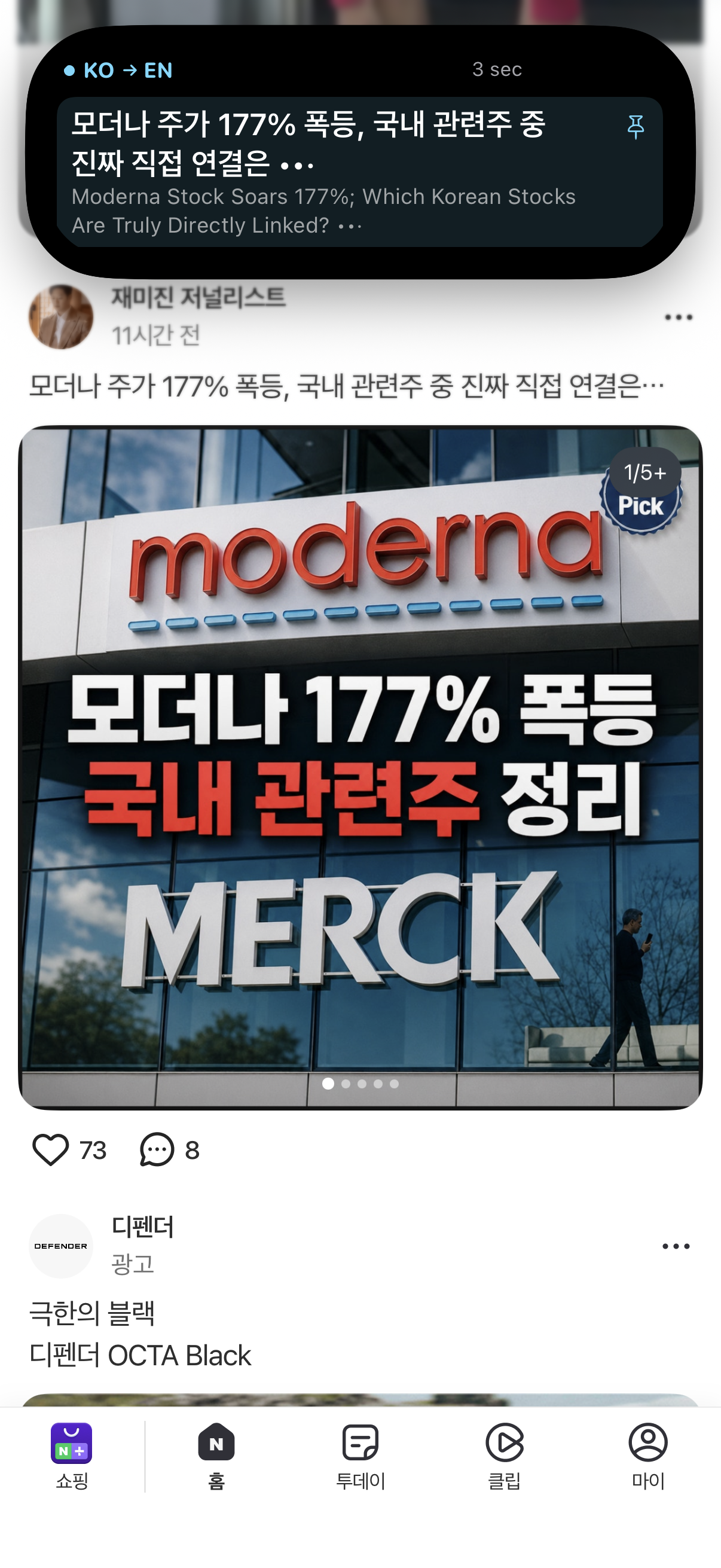
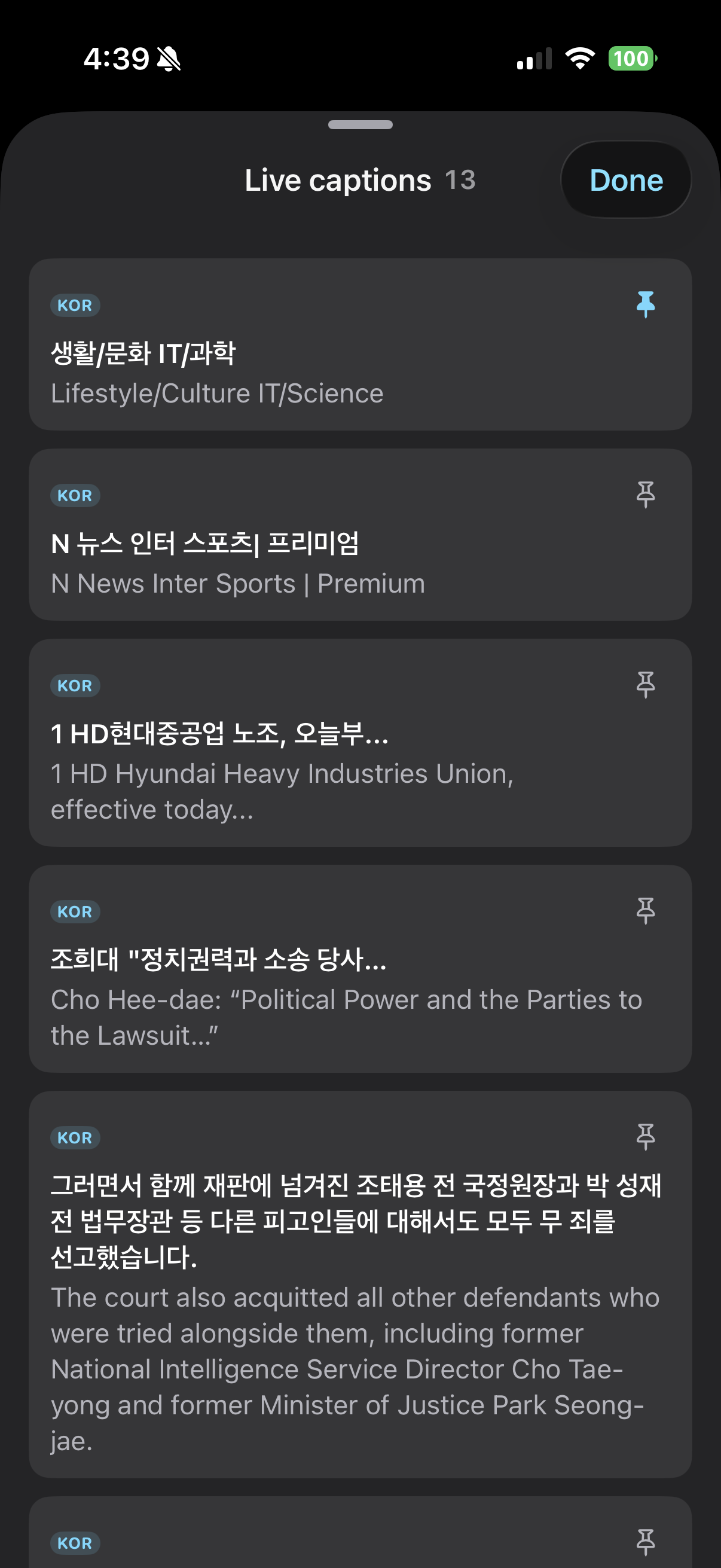
Pinning a sentence saves it to the "Learn" page and breaks it into individual words. Tapping a word shows its definition as used in that sentence.
First UI Design
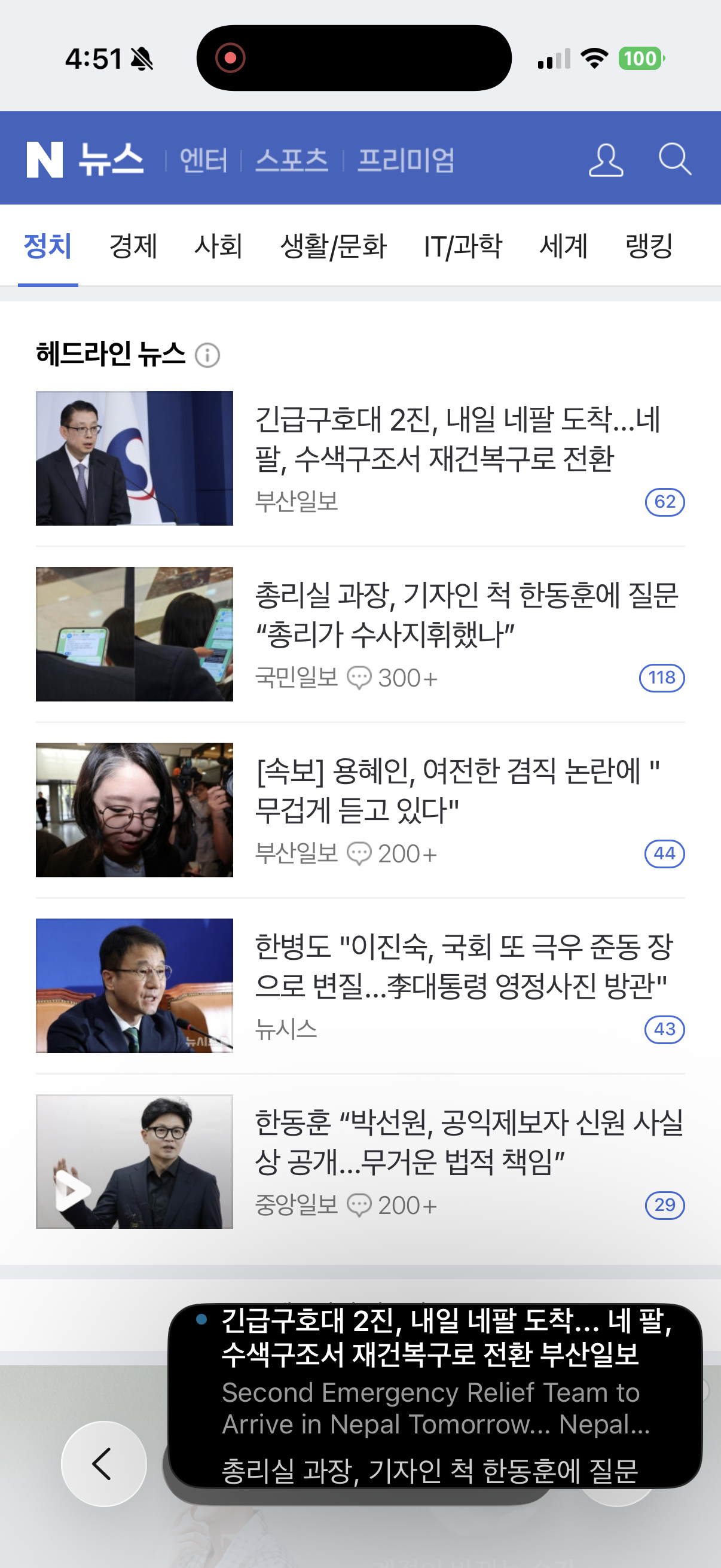
I tested the island and floating window in the first prototype to see which display felt better to use. Because I didn't need to see the translation of every sentence, I focused on the Dynamic Island and making it feel as seamless as possible.
Current UI Design
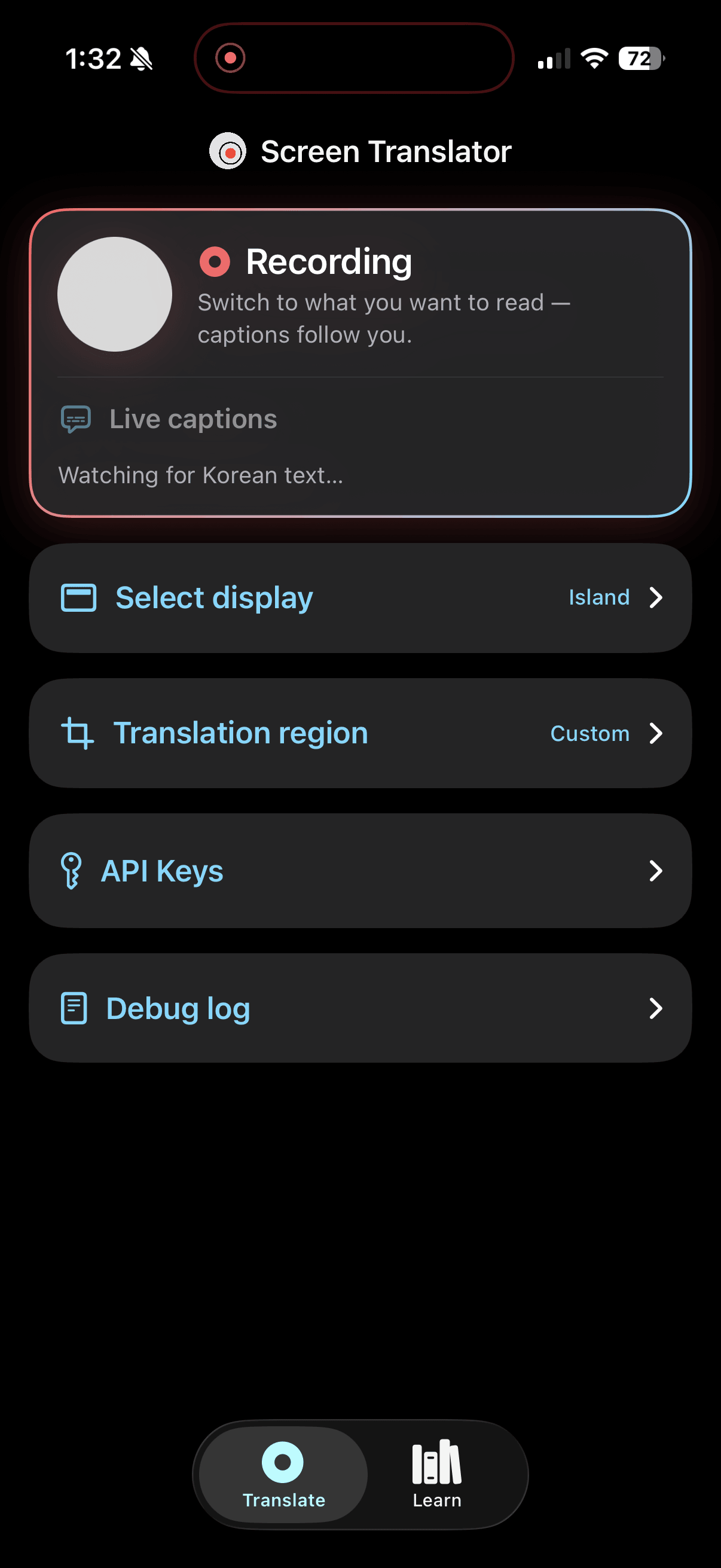
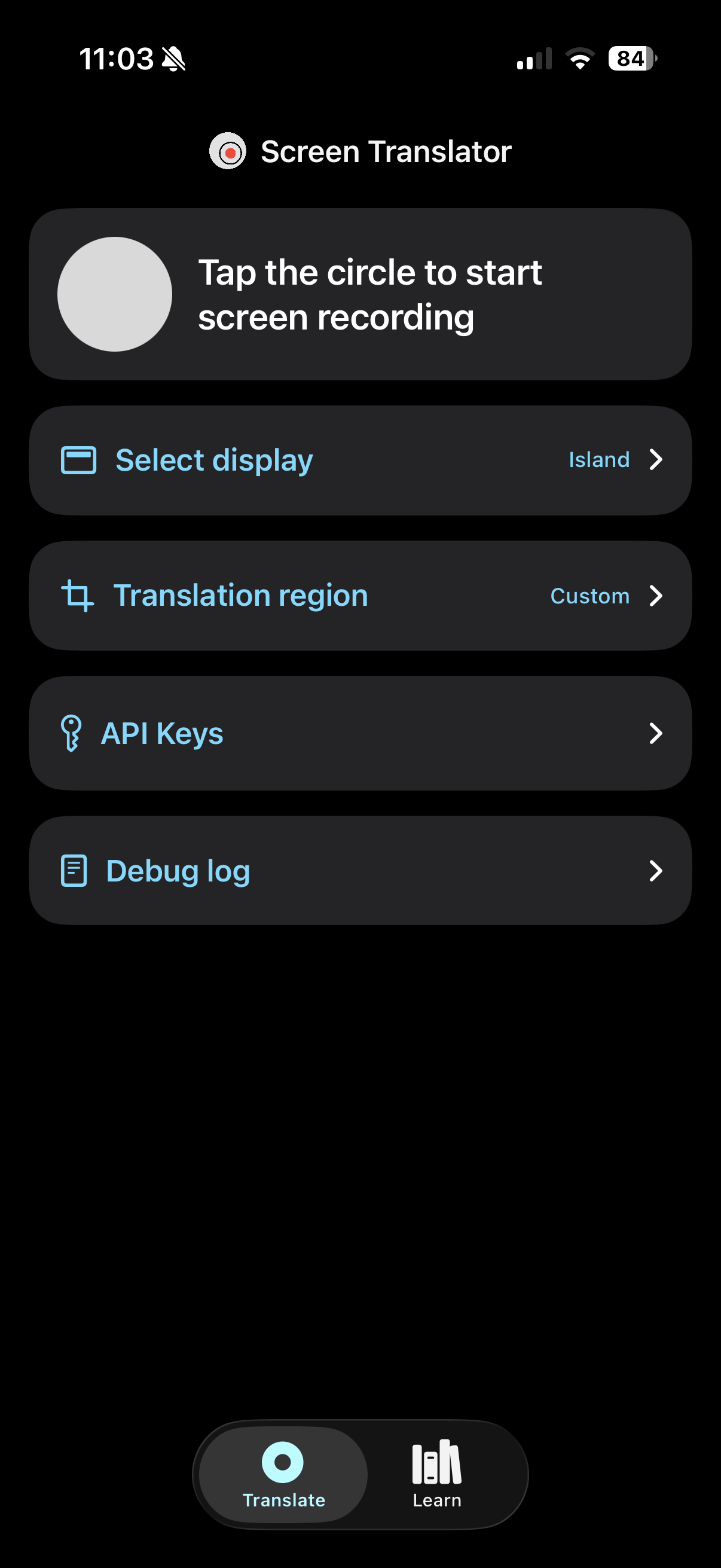
The main action on the home screen is tapping the circle to start a recording. Settings are shown in a list of rows, so nothing is hidden behind a separate menu. Once recording starts, the user can leave the app and open whatever they want to read. Screen Translator stays active in the background and translates text from the selected region of the screen.
Results
The biggest lesson from this project was learning to design with system constraints. Every decision had to account for iOS limitations, which pushed me to find different solutions. It was difficult to make the user experience feel seamless when there was so much out of my control, like the Dynamic Island's current state and when Live Activities update.
If I continued this project, I would work on the UI/UX so the island feels more responsive and aligned with the user's intent. I would also improve translations for visual diagrams and make it work with any app. Currently only Korean is translated, but I could add more languages and test whether other people find it helpful for learning.