Problem
A friend was listening to a research paper while walking and got "[1] et al., pp. 234-256" read aloud in a robot voice.
Solution
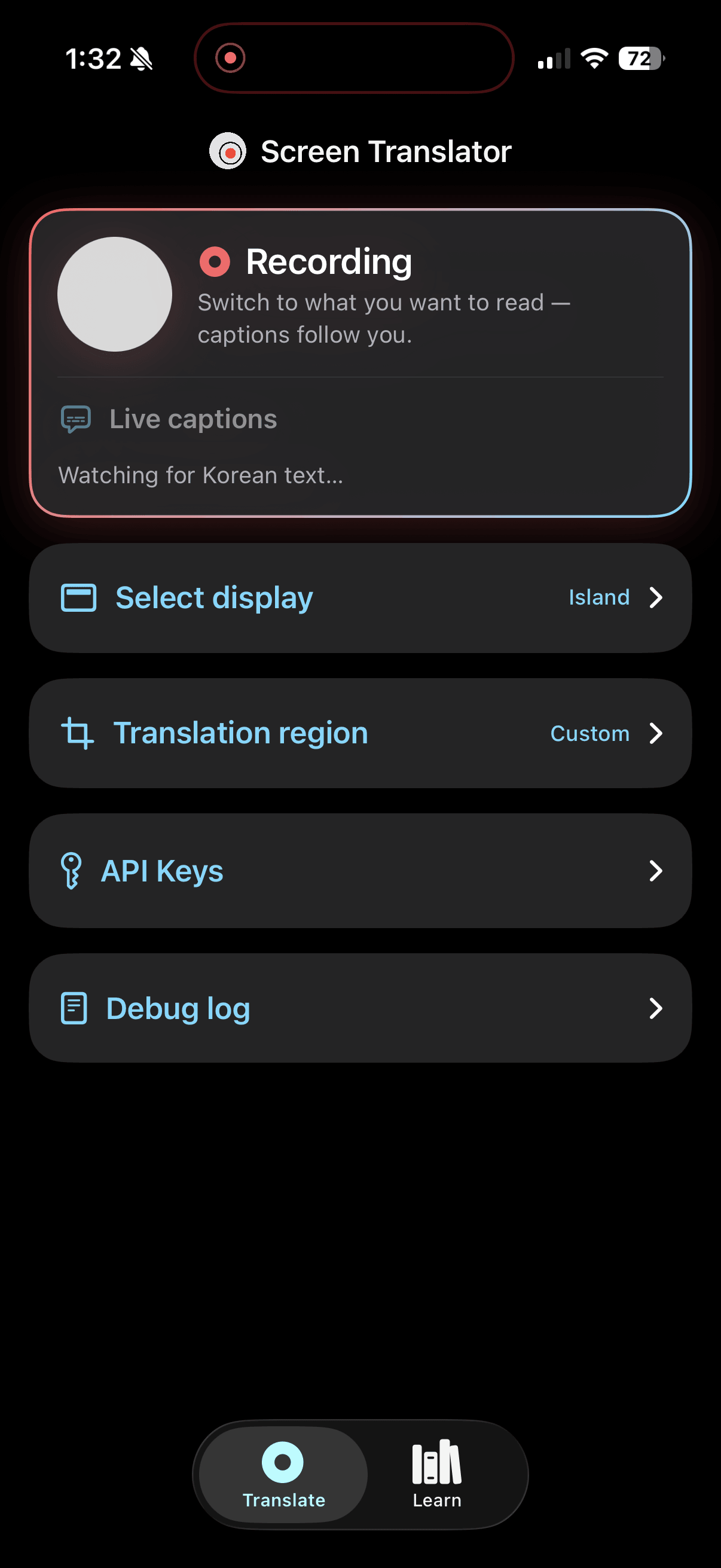
A text-to-speech app that parses text from a .PDF file, removes unnecessary information, and reads it aloud in a natural voice. I designed it around a user paying for their own API usage due to the costs of audio generation at ~$1-3 per paper. Gemini 3.1 Flash was the best option because it could clean up text and had text-to-speech with eight voices.
Generating Audio in Groups
Generating audio for the entire paper was unnecessary if someone only wanted to listen briefly. I organized text from a paper into groups of about 750 characters, which made ~50 seconds of audio. Making groups shorter would require more API requests and could reach Gemini's free-tier rate limit, while making groups longer would increase the initial wait time. At 50 seconds, the first group takes ~20 seconds to generate and the next group loads in the background.
Highlighting
Because Gemini only returns audio and no timestamps, the app has to estimate which sentence is being spoken to highlight it. I used Apple's NLTokenizer to find the end of each sentence instead of splitting text on periods, so abbreviations like "et al." or "Fig. 1" don't break sentences. The app groups the sentences, sends them to Gemini TTS, and receives an audio clip. Since the app knows the duration of the clip, it divides a group's audio proportionally by character count, so a sentence with 5% of a group's characters is assumed to take 5% of the audio. As audio plays, the app tracks the time passed and highlights a sentence based on its estimate. This is not always accurate, so sentences are re-synced at the start of every group to minimize errors.
When processing fails, the paper enters an error state and shows the exact error message.
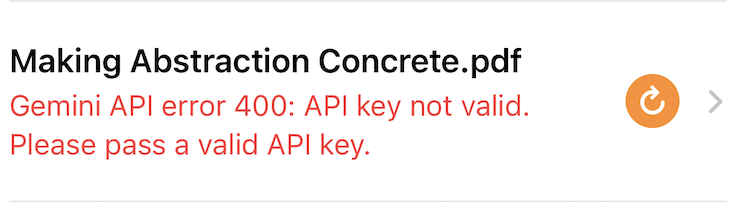
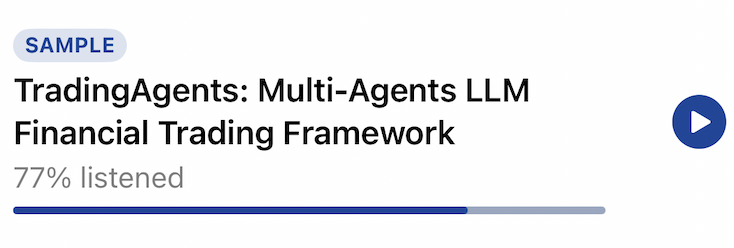
I added a sample paper so users can try the app before setting up a key.
Results
Reflecting on this project, I realized that I prioritized avoiding API costs over delivering a good user onboarding experience, which impacted the whole design. Requiring users to bring their own Gemini API key kept the app free for me to host but created unacceptable friction. Studying other startups, I learned that customers prefer predictable pricing. But token costs vary with usage, which makes that difficult.
If I continued this idea, I would manage keys on the backend and cover the initial costs for onboarding, charge per paper, or switch to a cheaper TTS model. In the current market, products like Speechify dominate consumer text-to-speech and solve the same problems, so it would be difficult to monetize this idea without a valuable use case.